Queries against the certification authority database fail with error message "0x80070005 (WIN32: 5 ERROR_ACCESS_DENIED)"
Assume the following scenario:
- One runs a query against the certification authority database.
- The query fails with the following error message:
CertUtil: -view command FAILED: 0x80070005 (WIN32: 5 ERROR_ACCESS_DENIED)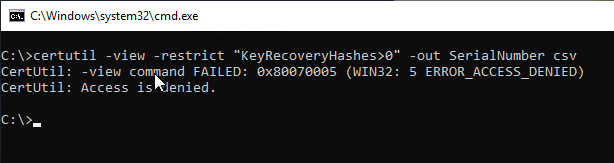
Solution
Do you know TameMyCerts? TameMyCerts is an add-on for the Microsoft certification authority (Active Directory Certificate Services). It extends the function of the certification authority and enables the application of rule sets to realize the secure automation of certificate issuance. TameMyCerts is unique in the Microsoft ecosystem, has already proven itself in countless companies around the world and is available under a free license. It can be downloaded via GitHub and used free of charge. Professional maintenance is also offered.
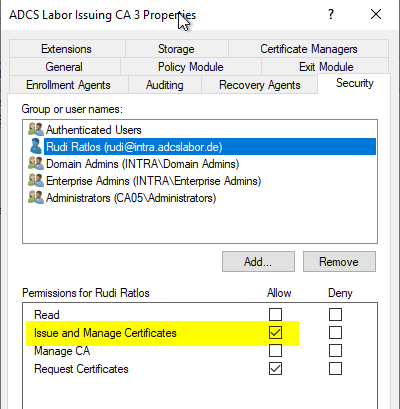
The user performing the query needs either the Manage CA right or the Issue and Manage Certificates right to perform a query against the certification authority database.