Enabling Secure Sockets Layer (SSL) for Certification Authority Web Enrollment (CAWE)
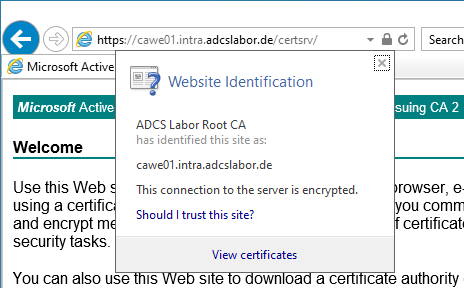
In the default configuration, Certification Authority Web Enrollment (CAWE) accepts only unencrypted connections via HTTP. It is recommended that the CAWE be configured for HTTP over TLS (HTTPS) to make capturing the network traffic more difficult. Instructions are provided below.
Certification Authority Web Enrollment is a very old feature from Windows 2000 times - and was last adapted with the release of Windows Server 2003. Accordingly, the code is old and potentially insecure. Likewise, the feature supports no certificate templates with version 3 or newer - this means that certificate templates that use functions introduced with Windows Vista / Windows Server 2008 or newer cannot be used. It is recommended not to use Certification Authority Web Enrollment and instead to request certificates with built-in tools or the PSCertificateEnrollment PowerShell module.
Requesting an SSL certificate
Do you know TameMyCerts? TameMyCerts is an add-on for the Microsoft certification authority (Active Directory Certificate Services). It extends the function of the certification authority and enables the application of rule sets to realize the secure automation of certificate issuance. TameMyCerts is unique in the Microsoft ecosystem, has already proven itself in countless companies around the world and is available under a free license. It can be downloaded via GitHub and used free of charge. Professional maintenance is also offered.
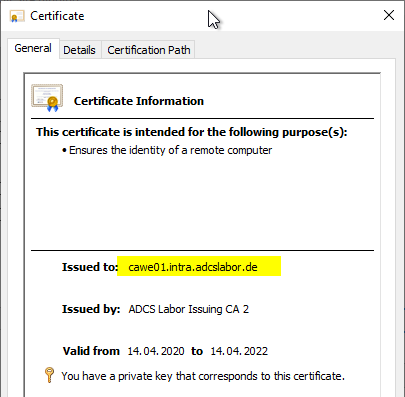
First, a web server certificate must be requested for the CAWE server.
- The article "Configuring a Secure Socket Layer (SSL) Certificate Template for Web Server " describes how to create a certificate template for SSL.
- The article "Generating an RFC 2818 compliant certificate request for SSL certificates " describes how to create an RFC 2818 compliant certificate request for SSL certificates.
Binding the certificate to the CAWE server
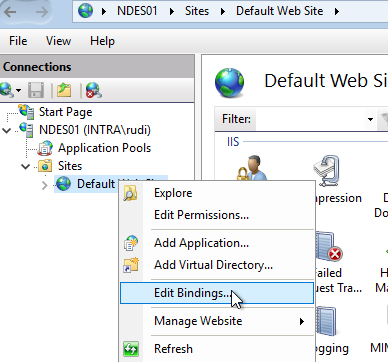
After an SSL certificate has been requested for the CAWE server, it must now be bound to the web server. To do this, the Internet Information Services (IIS) Manager is called up via the administrative tools.
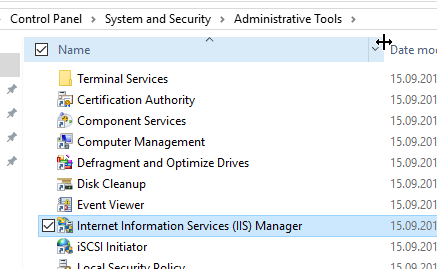
The CAWE is installed in the Default Web Site of the web server. Accordingly, the bindings must be edited here.
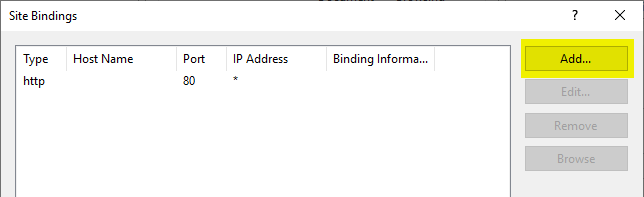
If there is no SSL binding yet, a new one must be created.
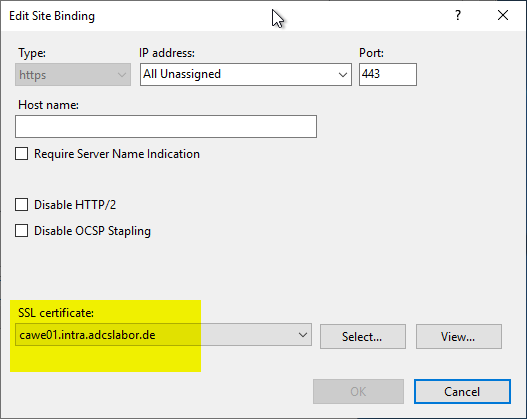
The Default Web Site should answer all requests not defined otherwise, so the default setting regarding IP addresses and host names can be kept. Only the SSL certificate must be selected.
Enforcing the use of SSL
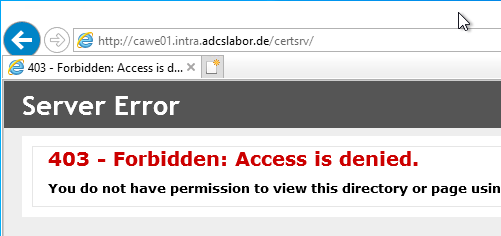
Now the web server supports requests via HTTPS, but for the CAWE these are not enforced, i.e., requests can still be submitted via HTTP. If you want to enforce SSL specifically for the CAWE, go to the Default Web Site and click the "CertSrv" folder on the left side.
After double-clicking the folder, select "SSL Settings".
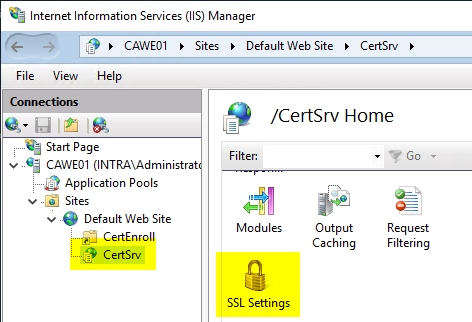
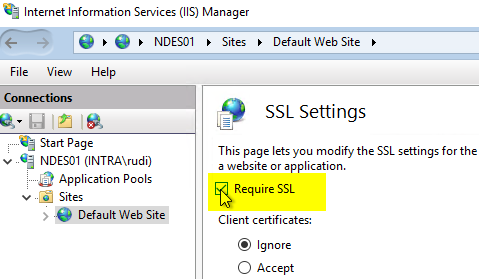
Here you enable the "Require SSL" checkbox.
Then click "Apply" on the right-hand side.
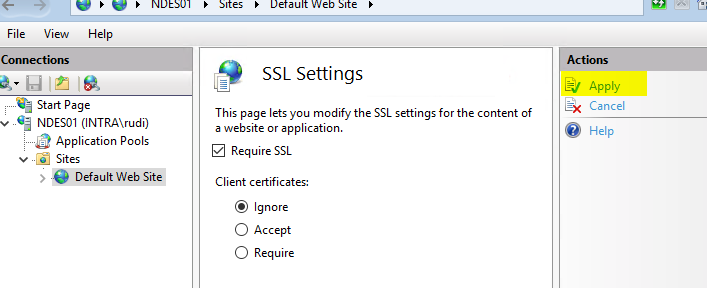
The CAWE should now refuse to accept connections via HTTP without TLS.