
Create an exit module for the certification authority in C#
Microsoft Active Directory Certificate Services offers the possibility to develop your own policy and exit modules to extend the functionality of the certification authority.
Below are the steps necessary to create an exit module in C# using Visual Studio 2019. The exit module will write issued certificates to a configurable directory in the file system.
Thankfully, an unnamed author has already done most of the preliminary work . My thanks go to this person at this point! I have taken his sample code as a starting point.
Procure Visual Studio
Visual Studio 2019 can be obtained free of charge from Microsoft in the Community Edition . Please note and consider the license terms.
During installation, the option "Desktop Development with C#" must be selected.
Create Interop Assemblies
Do you know TameMyCerts? TameMyCerts is an add-on for the Microsoft certification authority (Active Directory Certificate Services). It extends the function of the certification authority and enables the application of rule sets to realize the secure automation of certificate issuance. TameMyCerts is unique in the Microsoft ecosystem, has already proven itself in countless companies around the world and is available under a free license. It can be downloaded via GitHub and used free of charge. Professional maintenance is also offered.
The development does not have to be done on a system where the certification authority is installed. A common Windows 10 PC is sufficient. However, we need two DLL files from the certification authority, which must be copied from a Windows Server system:
- certxds.dll
- certcli.dll
The two DLL files are located on the certification authority server under C:\Windows\System32.
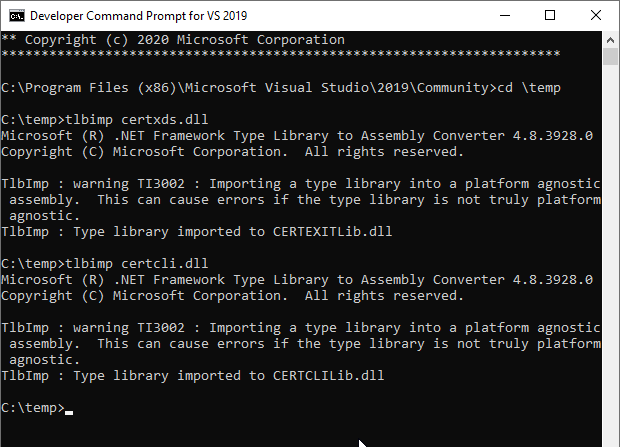
Interop files must be created for these two DLL files. This can be done with the program tlbimp, which is delivered with Visual Studio.
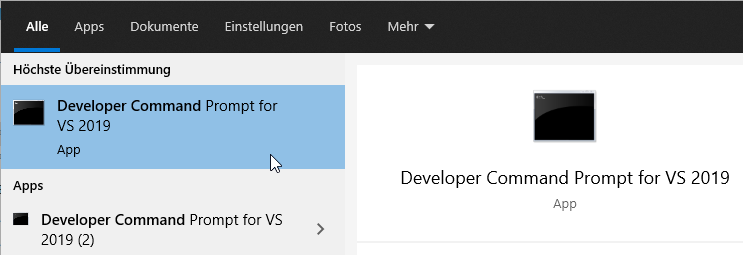
To do this, the Developer Command Prompt is started. The following commands are then entered:
tlbimp certxds.dll
tlbimp certcli.dll
The command will create the following two Interop Assemblies as DLL files:
- CERTEXITLib.dll
- CERTCLILib.dll
Customize CERTCLILIB.dll
When translating from the underlying C++ code to C#, the conversion of the data types is not correct in every case (see here for more information ). Therefore, the CERTCLILIB just generated must first be disassembled:
"C:\Program Files (x86)\Microsoft SDKs\Windows\v10.0A\bin\NETFX 4.8 Tools\ildasm.exe" ^
CERTCLILib.dll ^
/out:CERTCLILIB.il
The original CERTCLILIB.dll must now be deleted.
Inside the CERTCLILIB.il, all occurrences of GetCertificateProperty are changed from...
GetCertificateProperty([in] string  marshal( bstr) strPropertyName,
                       [in] int32 PropertyType) runtime managed internalcall
To...
GetCertificateProperty([in] string  marshal( bstr) strPropertyName,
                       [in] int32 PropertyType,
                       [out] native int pvarPropertyValue) runtime managed internalcall
If you want to use GetRequestProperty to read out the "RawRequest" attribute, for example, you must follow the same procedure for GetRequestProperty.
Afterwards the DLL can be assembled again.
"C:\Windows\Microsoft.NET\Framework\v4.0.30319\ilasm.exe" ^
/DLL CERTCLILIB.il ^
/res:CERTCLILIB.res ^
/out=CERTCLILIB.dll
Create project
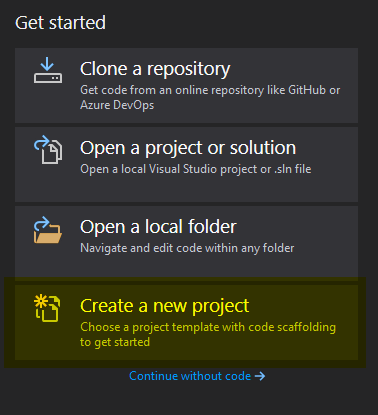
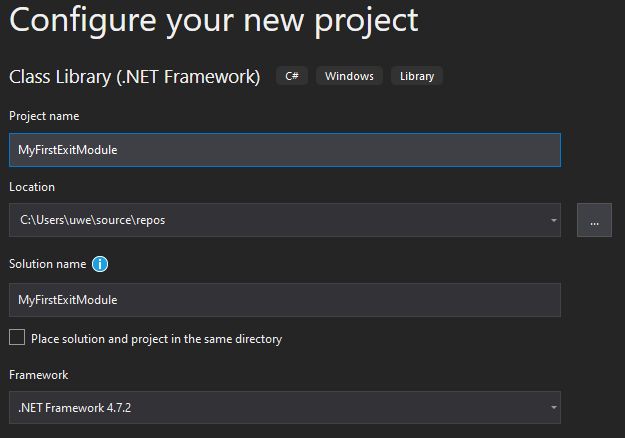
After starting Visual Studio, a new project is created.
We need a class library with the .NET Framework.
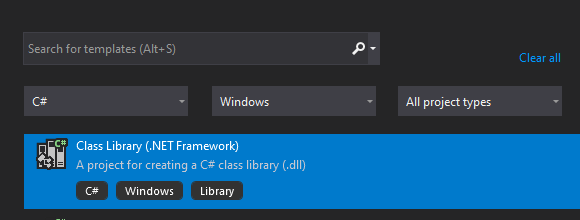
The next step is to give the project a name and a storage location, and then you're ready to go.
Referencing the Interop DLL files
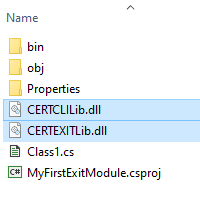
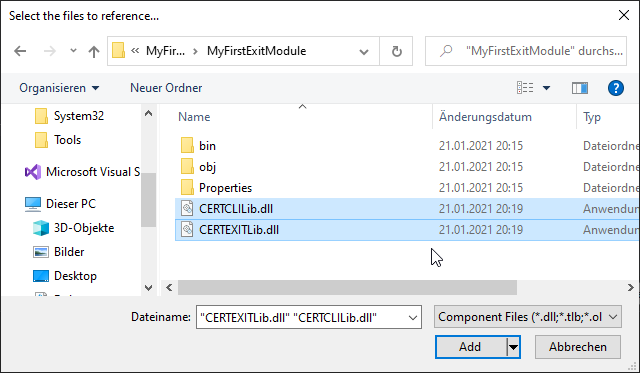
The previously created Interop DLL files CERTEXITLib.dll and CERTCLILib.dll are copied to the project directory.
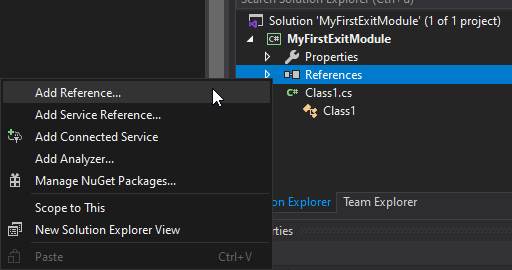
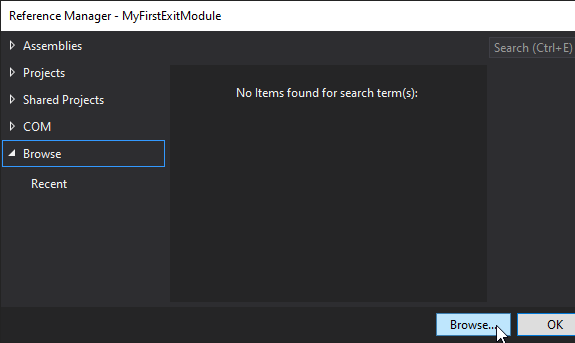
The two DLL files are then referenced.
Creating the class files
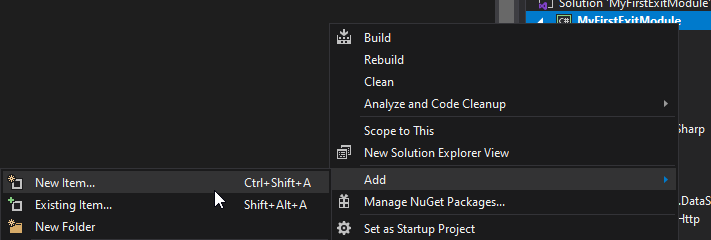
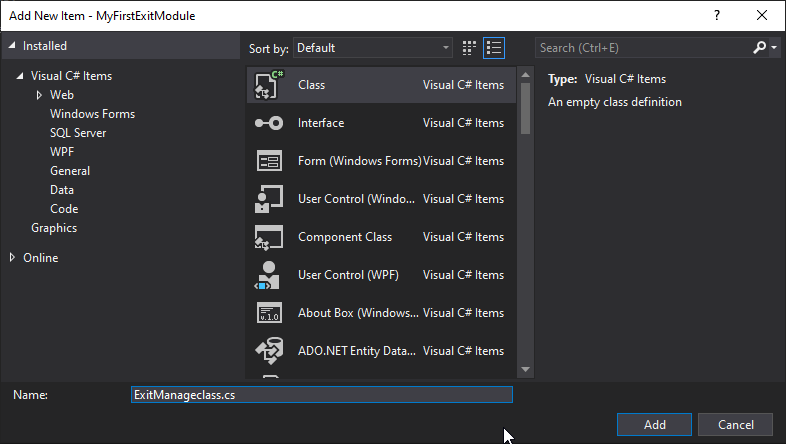
Two classes must be created. Examples for the two class files can be found in my example project on GitHub:
Assign new GUID
If the sample file is to be used, a new GUID should be entered in each of the two files.
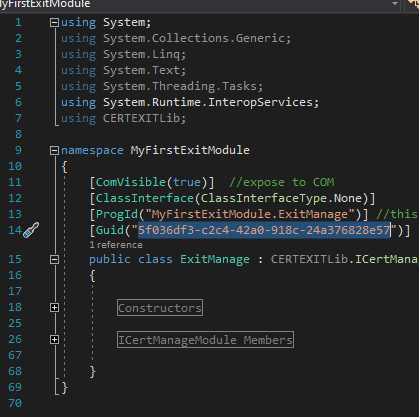
The GUID must not be identical in both files.
For example, a new GUID can be created with the PowerShell command "New-Guid".
New-GUID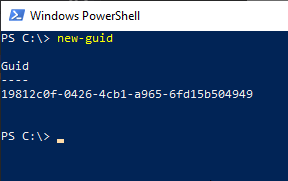
Define module parameters
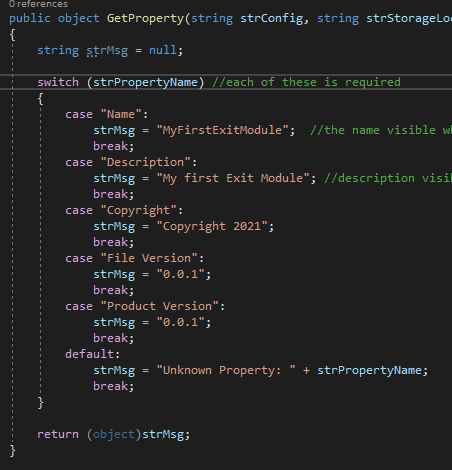
The parameters for the module like name, description, version and copyright notice can be defined in the GetProperty method in the ExitManageClass.cs.
Compile the source code
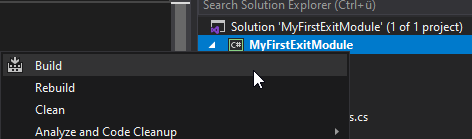
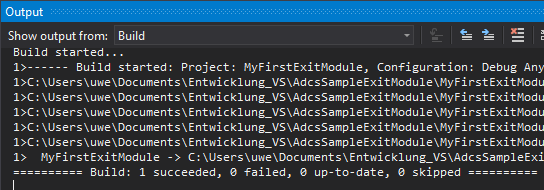
Now the exit module can be compiled.
Registering the exit module on the certification authority
The generated DLL file can now be copied to the target server. It must be saved in two directories:
- C:\Windows\System32
- C:\Windows\SysWOW64
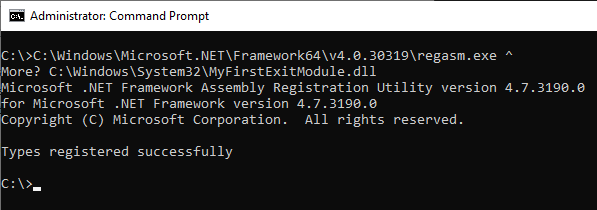
Then the DLL file must be registered with the following command:
C:\Windows\Microsoft.NET\Framework64\v4.0.30319\regasm.exe ^
C:\Windows\System32\MyFirstExitModule.dll
regasm.exe is the .NET equivalent of regsvr32.exe.
The certsrv process is a 64-bit process, so the DLL must also be registered as 64-bit (regasm.exe from the Framework64 directory). Current Windows versions are only shipped in 64-bit, but historically there were also 32-bit versions of the service.
In my example project on GitHub there is also an installation/uninstallation script .
Configure exit module
In the sample project, the exit module writes issued certificates to a folder in the file system. The path must be configured as REG_SZ (String Value) named "OutputDirectory" below the following registry key.
HKEY_LOCAL_MACHINE\SYSTEM\CurrentControlSet\Services\CertSvc\Configuration\{Common-Name-der-Zertifizierungsstelle}\ExitModules\MyFirstExitModule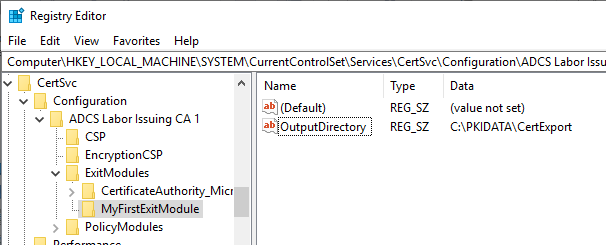
Restart the certification authority service
Afterwards, the certification authority service must be restarted.
net stop certsvc
net start certsvc
If the exit module fails to load, or causes an error, the certification authority will log event no. 46 .
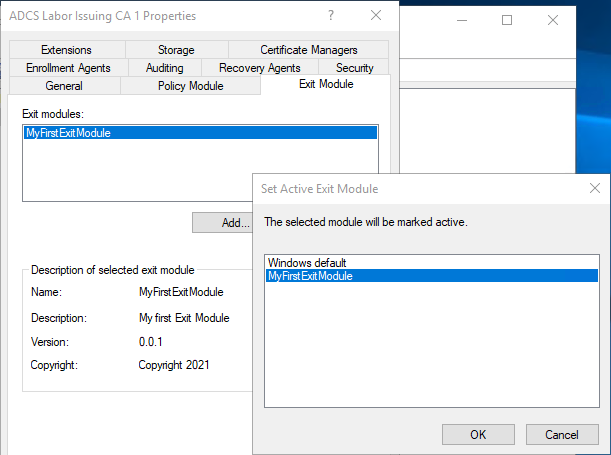
If you now open the management console for the certification authority (certsrv.msc), the newly created exit module should be available for selection in the "Exit Modules" tab under "Add".
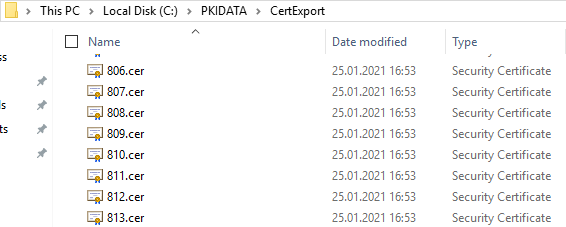
If the certification authority issues a certificate, it should now be exported to the configured directory.
From this point on, the project is ready for custom developments. Here are some ideas:
- Saving issued certificates in a database
- Direct reporting of a change in the revocation status (revoke/unrevoke) of a certificate to a database
- Direct export of certificate serial numbers to the file system for the deterministic good of the Online Responder (OCSP)
- Calling a Web API to transfer the certificate information for further processing (issued certificates, revocations, unrevocations)
- Development of an exit module that can send messages via SMTP and unlike the standard Microsoft exit module also runs on Server Core
External sources
- Exit Modules (A programmers decent)
- How to modify an Interop assembly to change the return type of a method (VB.NET) (Microsoft)
- Certificate Services Architecture (Microsoft)
- Exit Modules (Microsoft)
- Writing Custom Exit Modules (Microsoft)
- ICertExit interface (certexit.h) (Microsoft)
- ICertServerExit interface (certif.h) (Microsoft)