
Compacting (defragmenting) the certification authority database
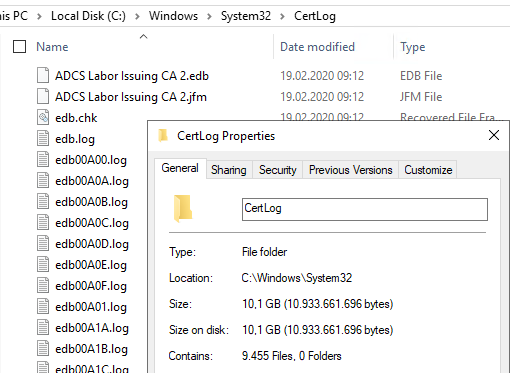
Sometimes it happens that the database of the certification authority becomes extremely large. Perhaps a large number of certificate requests have arrived unnoticed and have been denied, or perhaps there are many certificates in the database that have been issued twice. After the corresponding entries have been deleted from the certification authority database , the space now gained must (can) still be freed in the server's file system by compacting the database.
Do you know TameMyCerts? TameMyCerts is an add-on for the Microsoft certification authority (Active Directory Certificate Services). It extends the function of the certification authority and enables the application of rule sets to realize the secure automation of certificate issuance. TameMyCerts is unique in the Microsoft ecosystem, has already proven itself in countless companies around the world and is available under a free license. It can be downloaded via GitHub and used free of charge. Professional maintenance is also offered.
Identification of the location of the certification authority database
By default, the certification authority database is located at C:\Windows\System32\CertLog. If the certification authority database is located in another location, you can identify it with the following command:
certutil -getreg DB*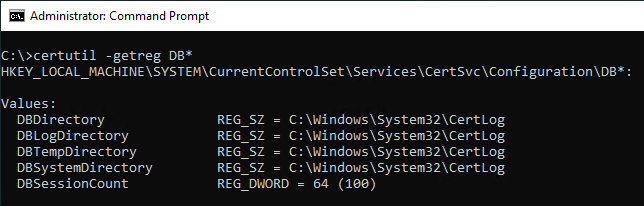
Putting the certification authority into maintenance mode
First of all, if you have not already done so, put the certification authority into maintenance mode . This prevents the contents of the certification authority database from changing until the maintenance work is completed, and also allows you to restore a backup that was created at the beginning of the work.
Creating a backup of the certification authority database
After that, you should make a backup of the certification authority database. The backup allows the transaction logs of the database to be committed to the database file.
certutil -backupdb {Pfad-zum-Backup-Ordner}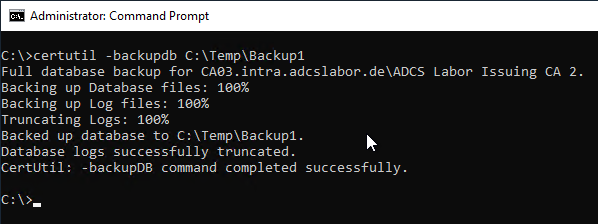
Stopping the certification authority service
If the certification authority service is now stopped, the transaction logs are committed to the database file.
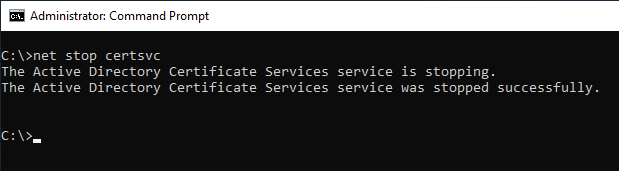
This process alone can free up a lot of disk space.
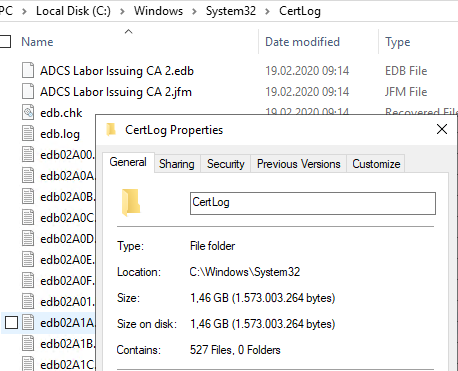
Compacting the certification authority database
Important: The compacting of the database must be done on the live data. It is not possible to compact a backup of the certification authority database and then restore it.
The certification authority can now be compacted (defragmented) with the following command.
esentutl /d {Pfad-zur-Datenbankdatei}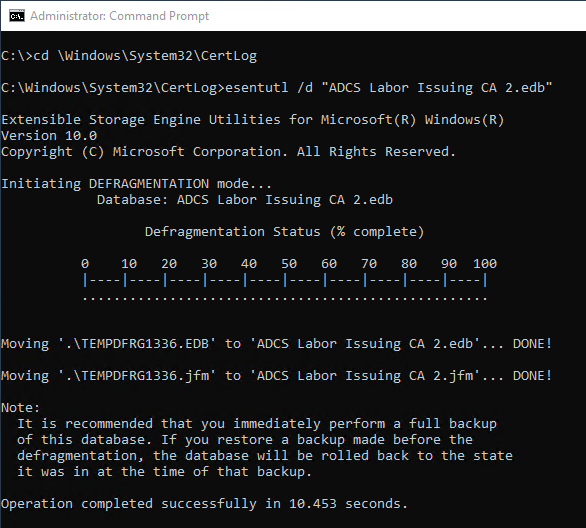
Now that the compacting of the database file is complete, it should be much smaller than before.
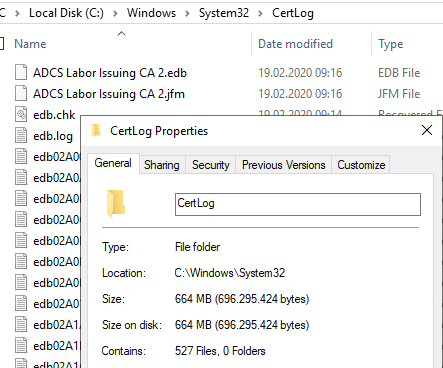
Putting the certification authority back into operation
Afterwards, the certification authority service can be started again.
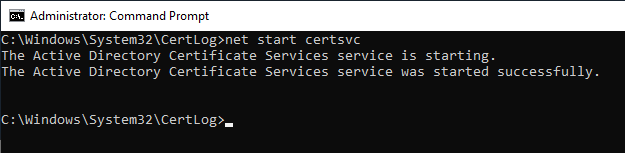
A new backup of the compacted database should now be created.
certutil -backupdb {Pfad-zum-Backup-Ordner}Likewise, one should not forget to take the certification authority out of maintenance mode again.